Qualité des photos : 8/10 · évaluée par IA
Sindibad, Casablanca
20 000 MAD/mois
143 MAD/m²
Positionnement prix
+19% au-dessus du médian
Médian Sindibad : 120 MAD/m² · 21 annonces analysées
Voir les prix du quartierCaractéristiques
Surface
Annonces similaires
20 000 MAD/mois
143 MAD/m²
140 m²
Chambres
2
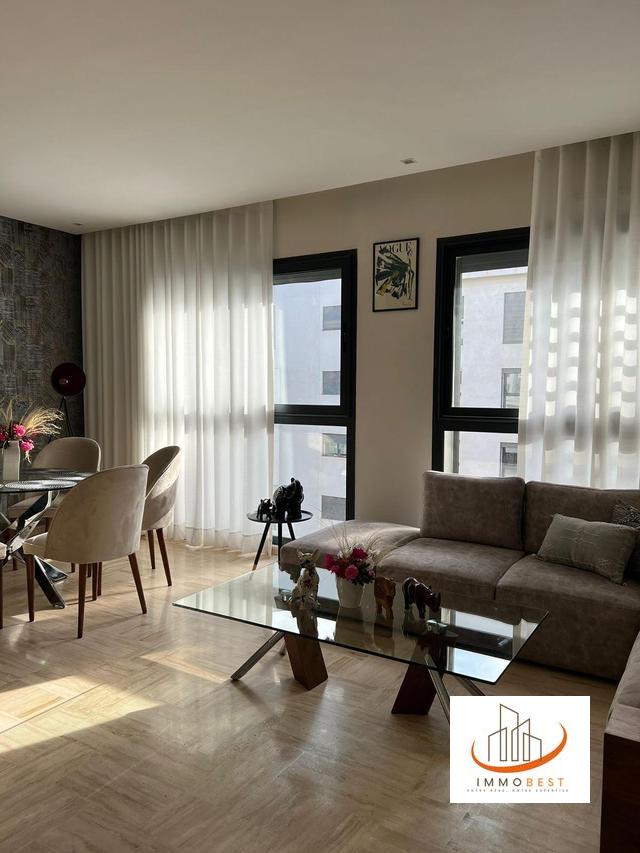
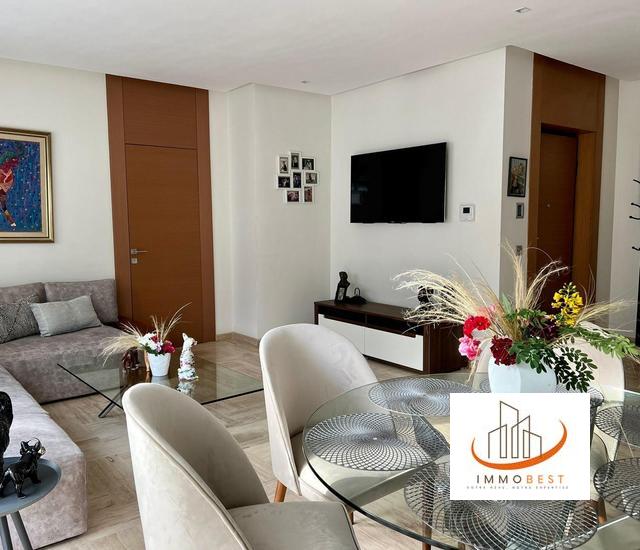
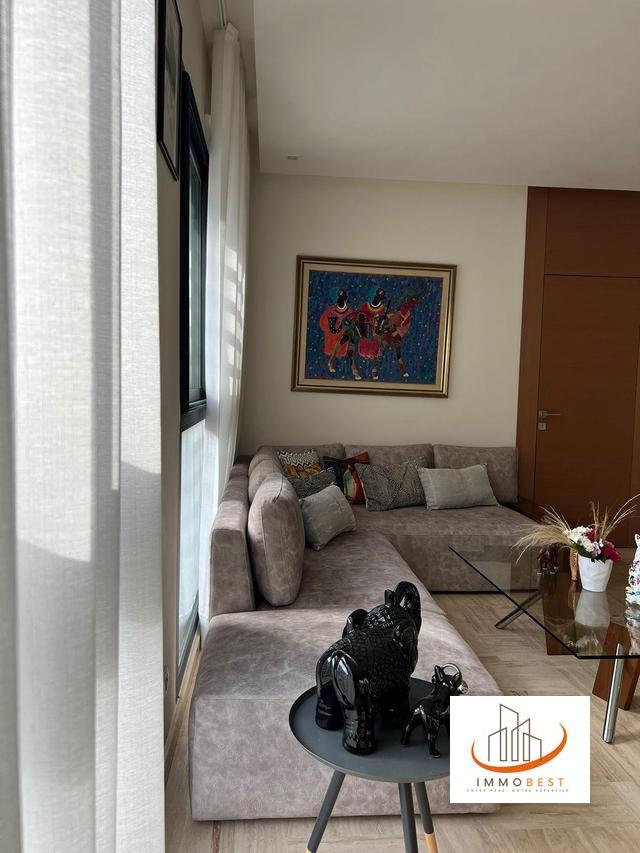
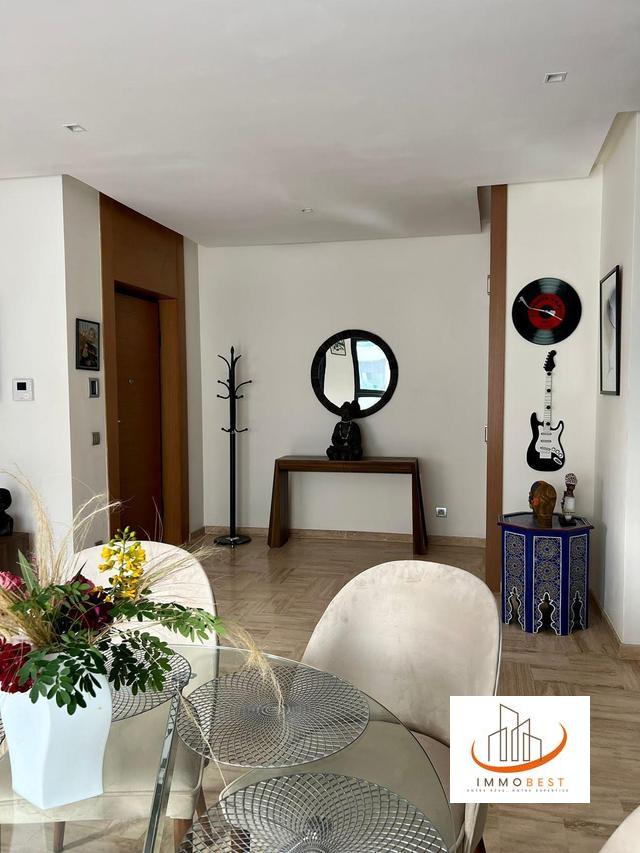
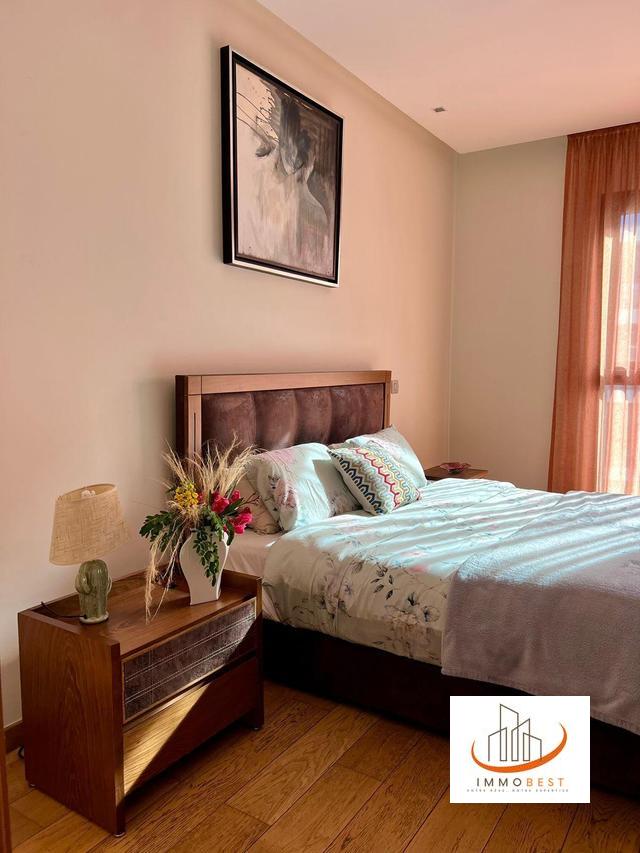
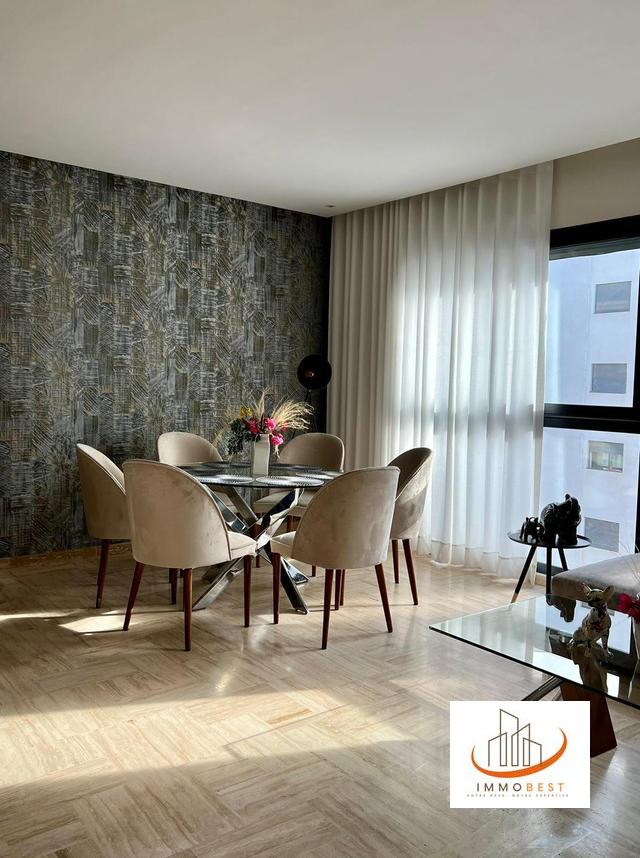
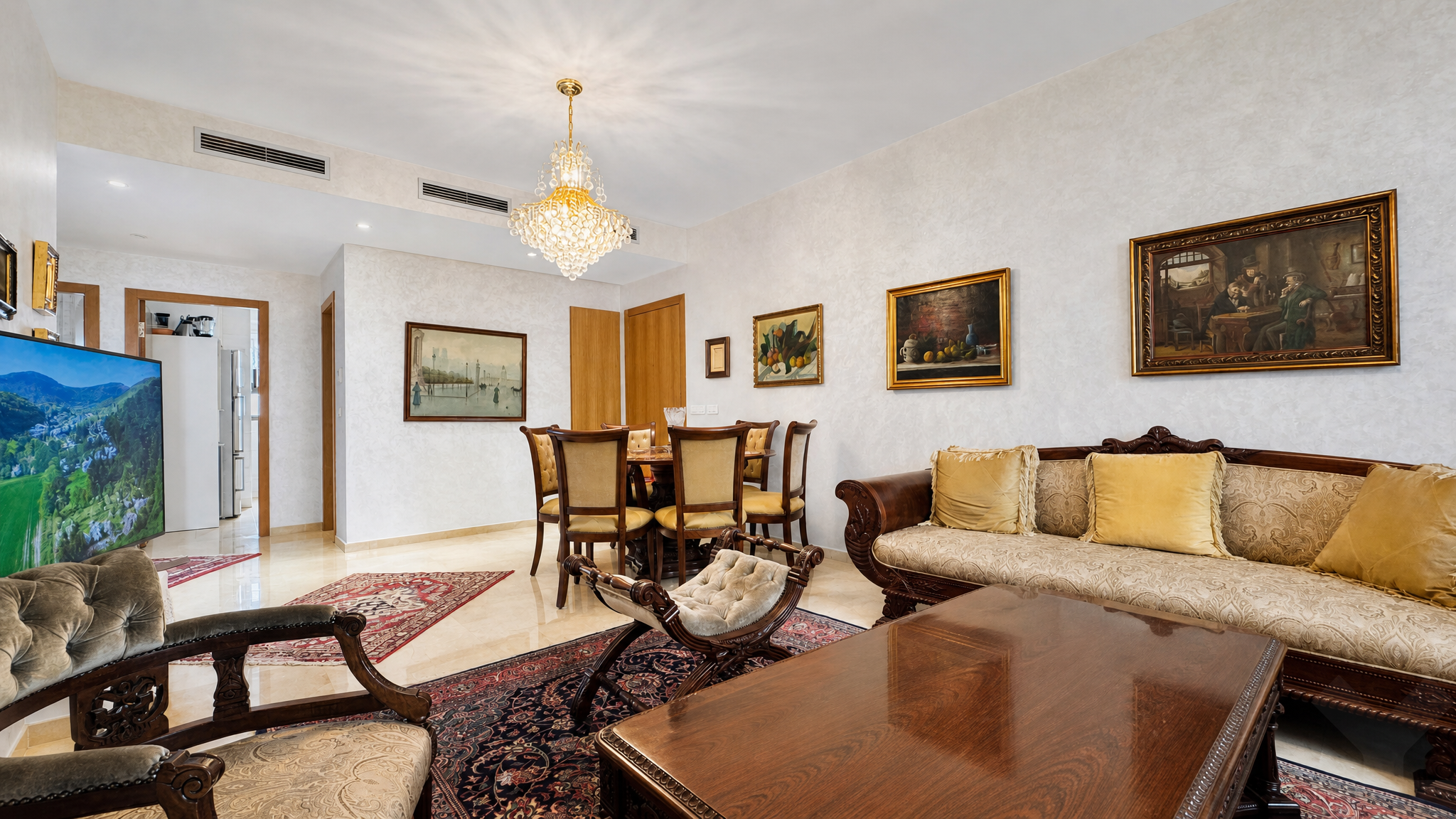
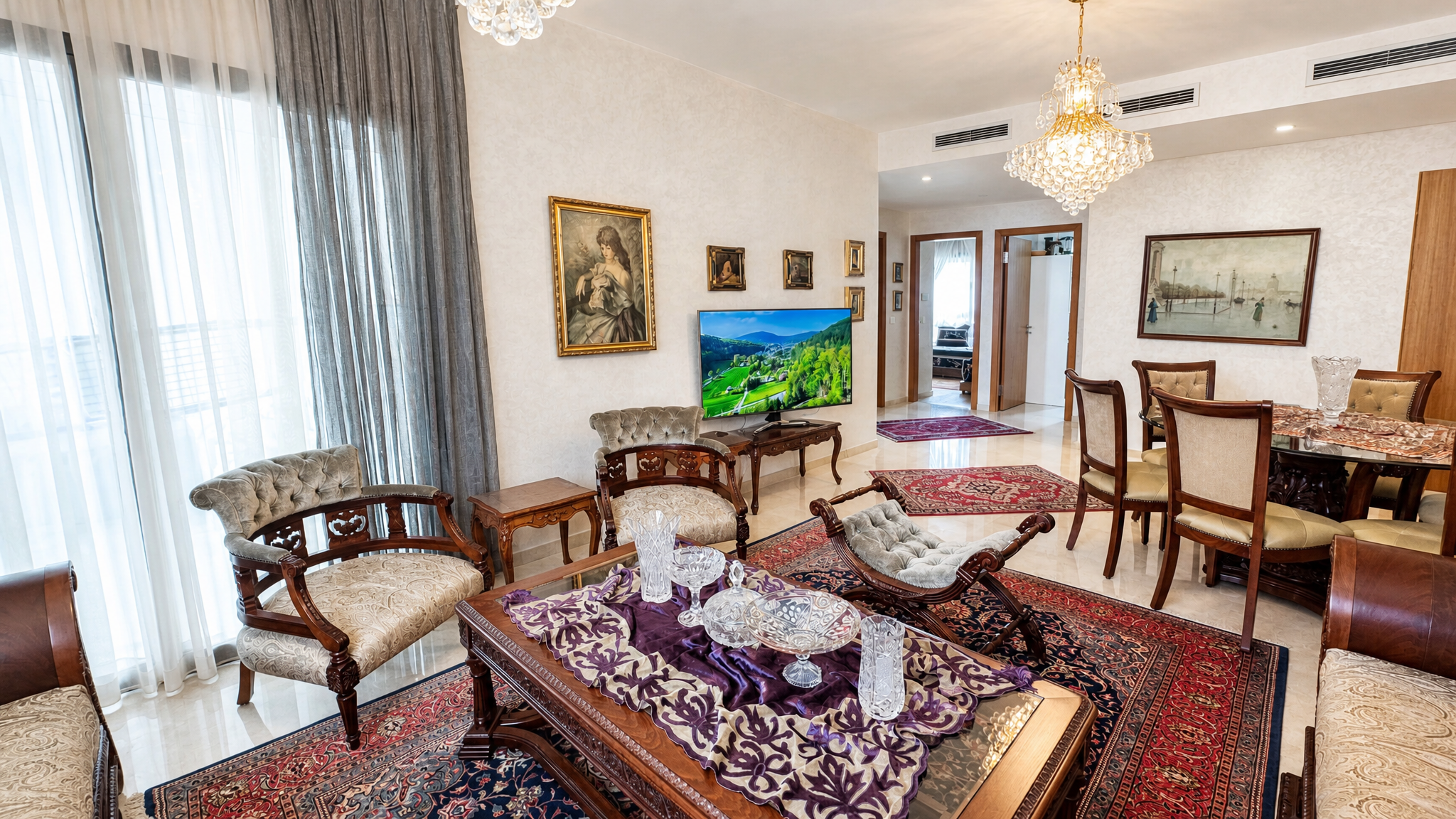
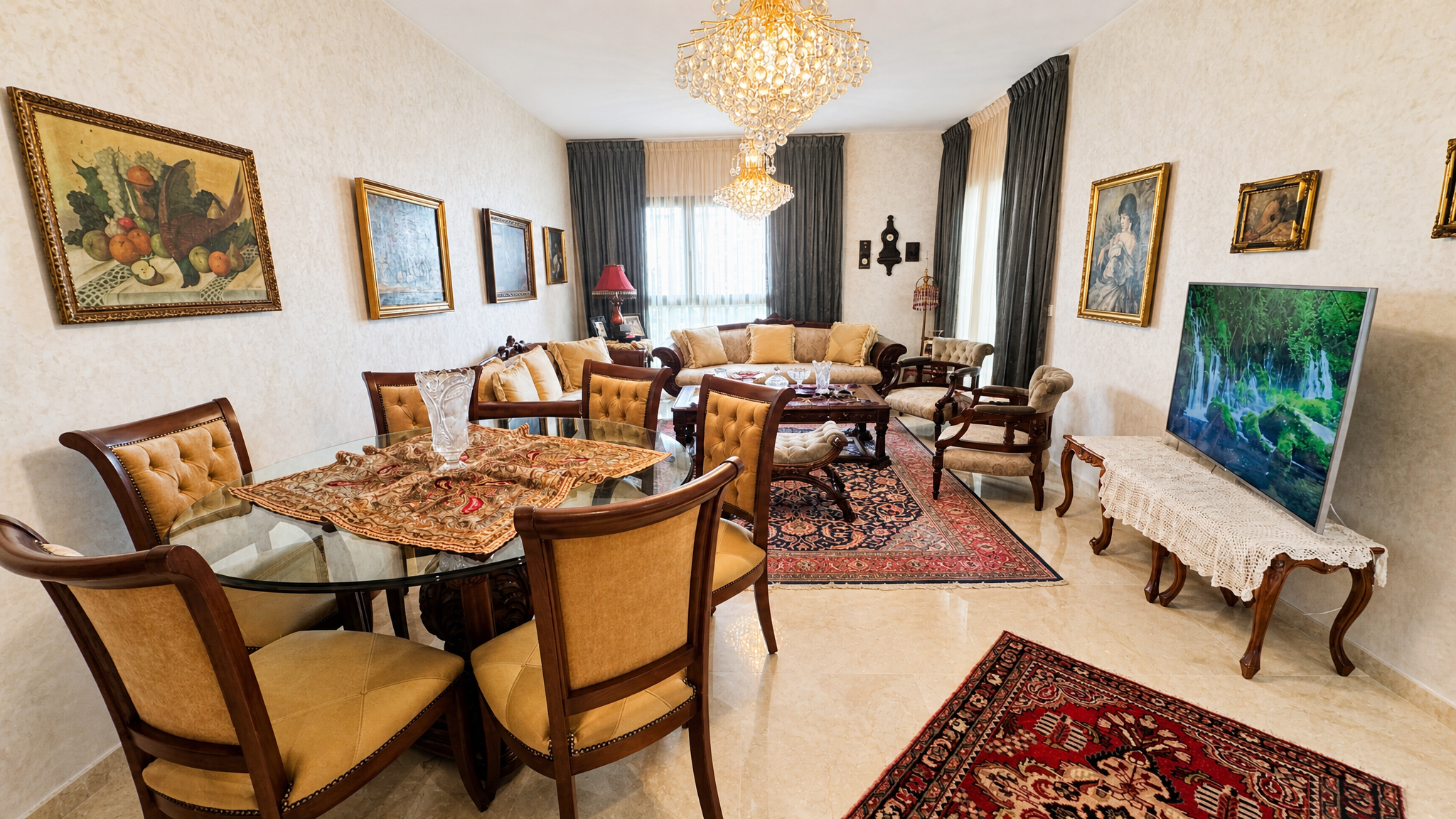
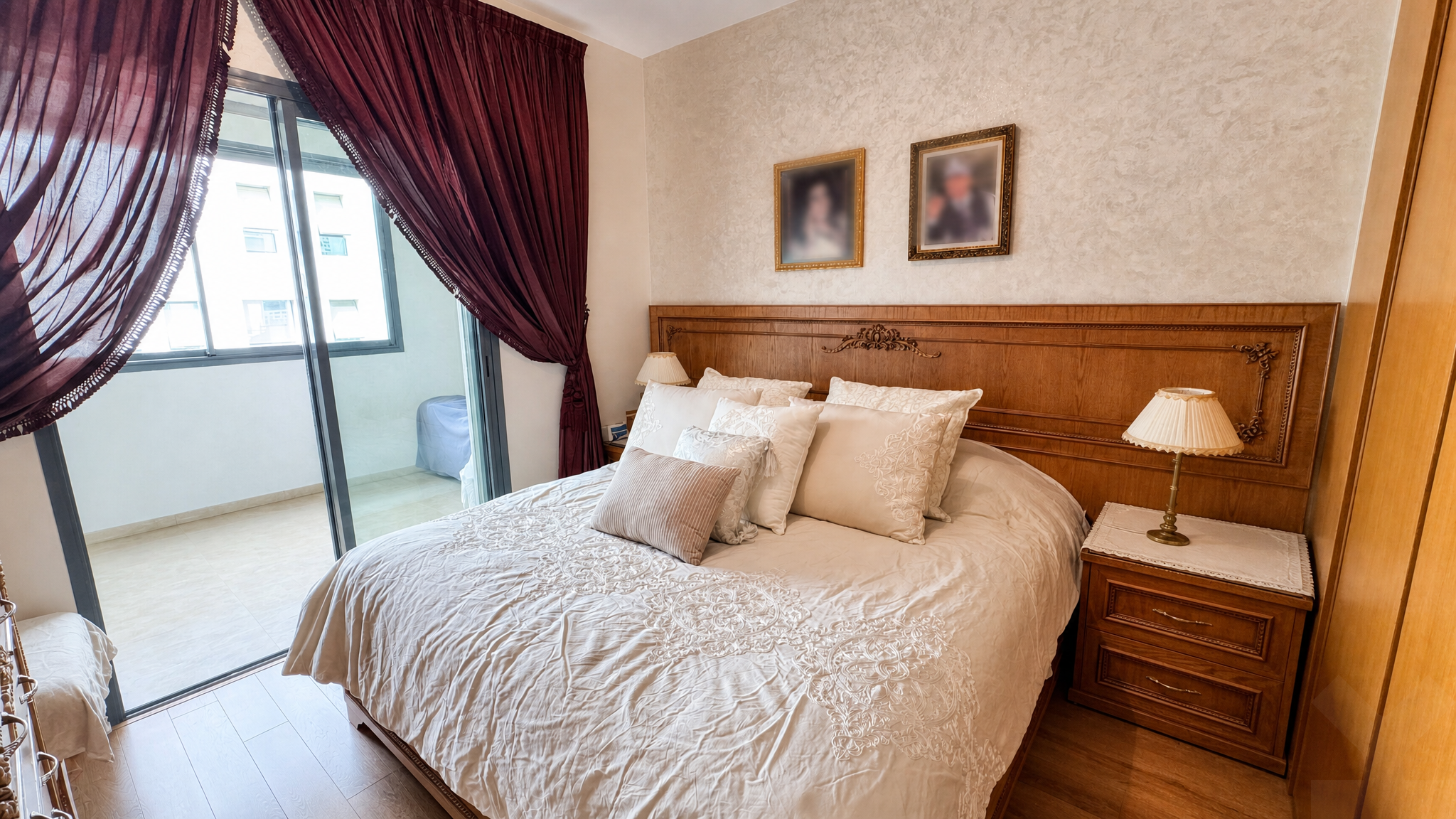
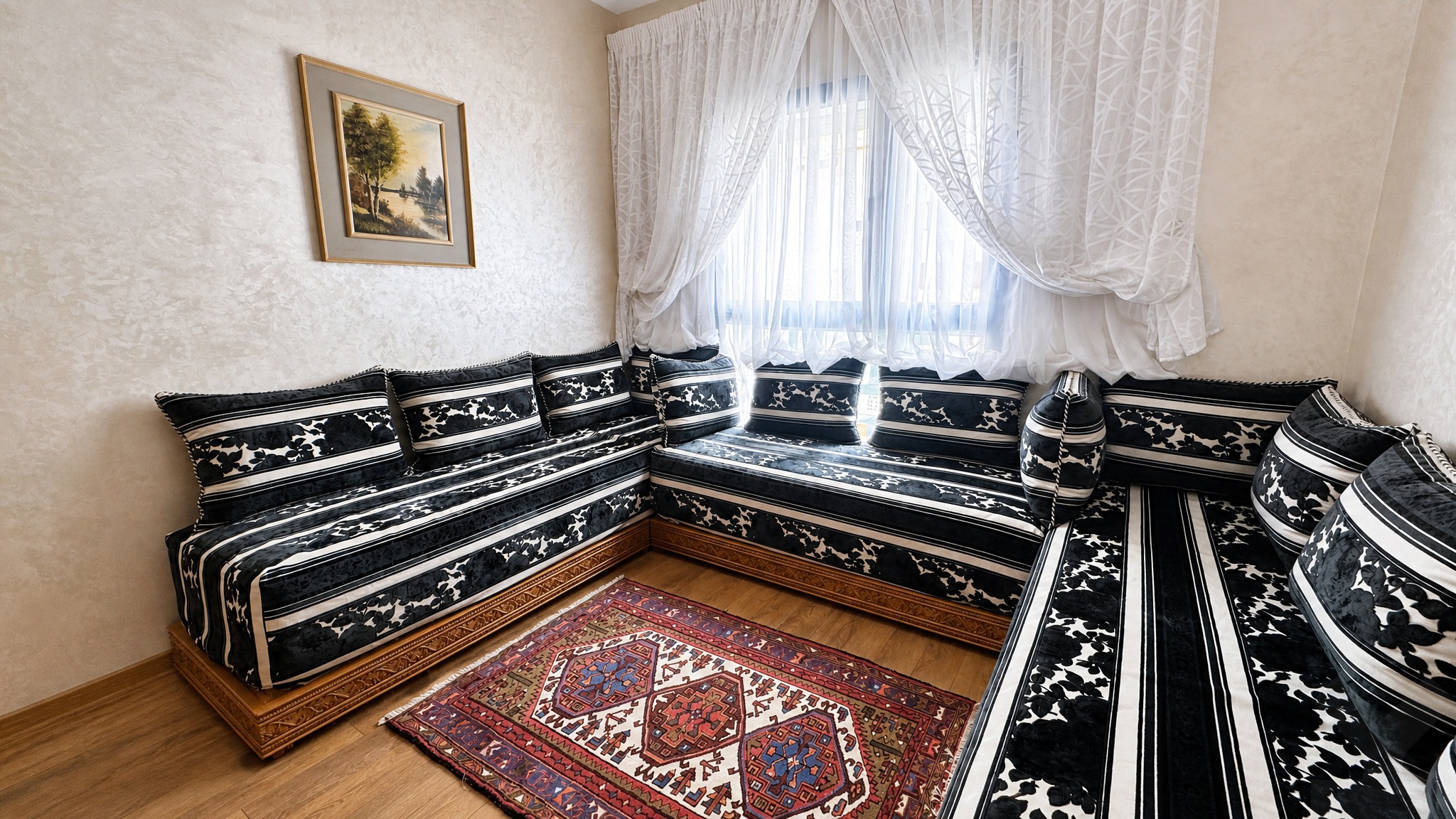
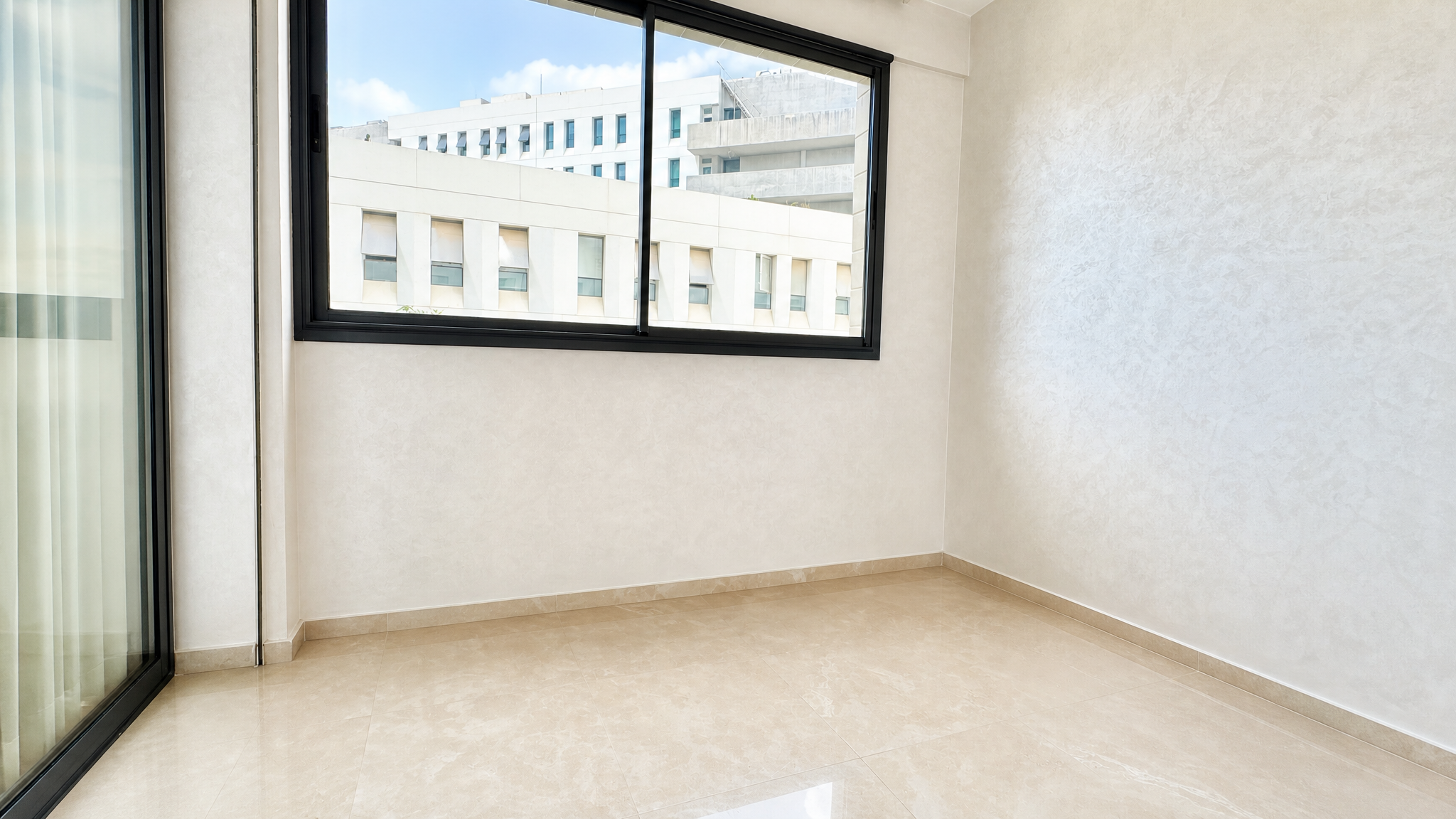
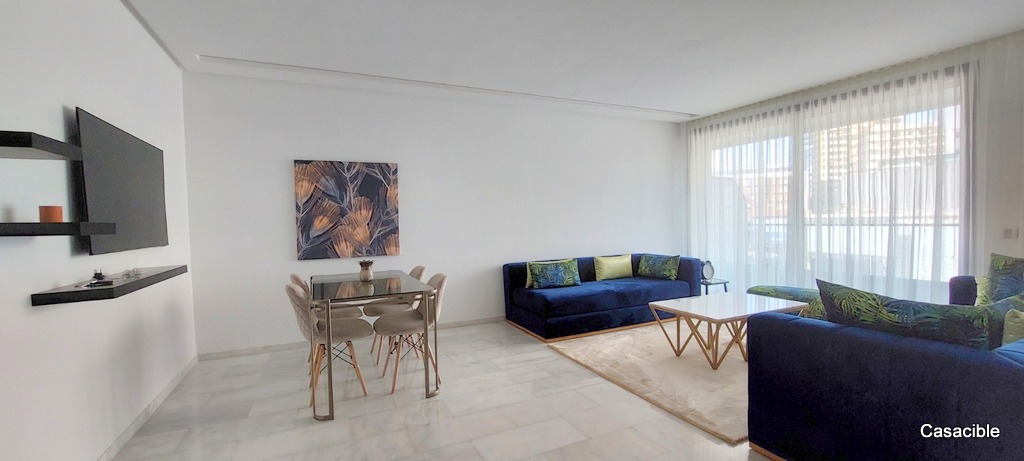
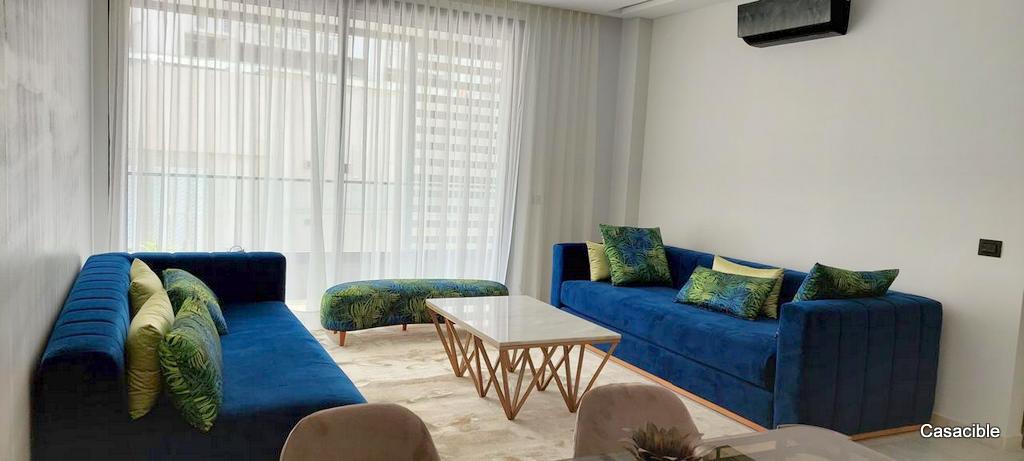
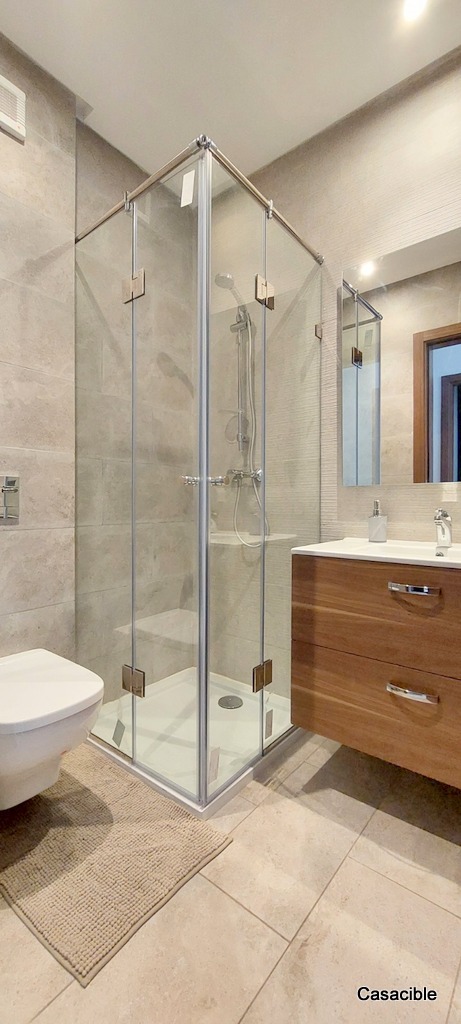
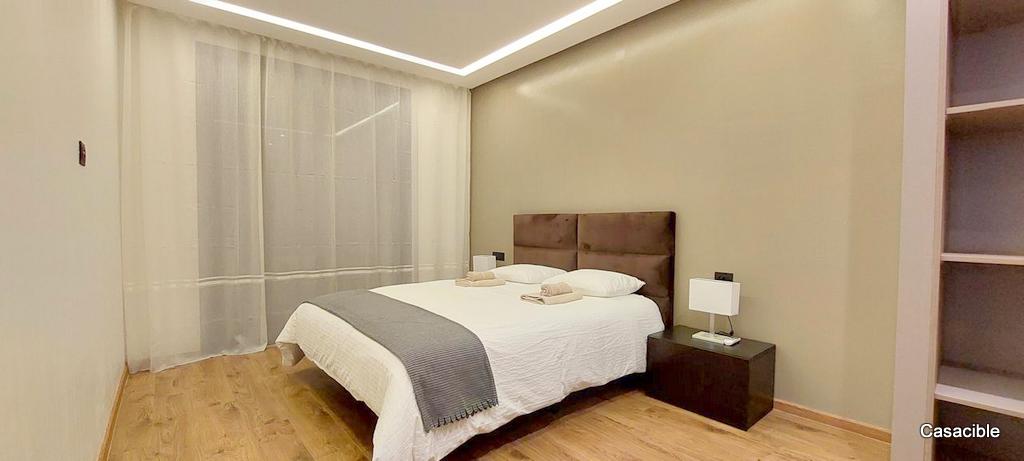
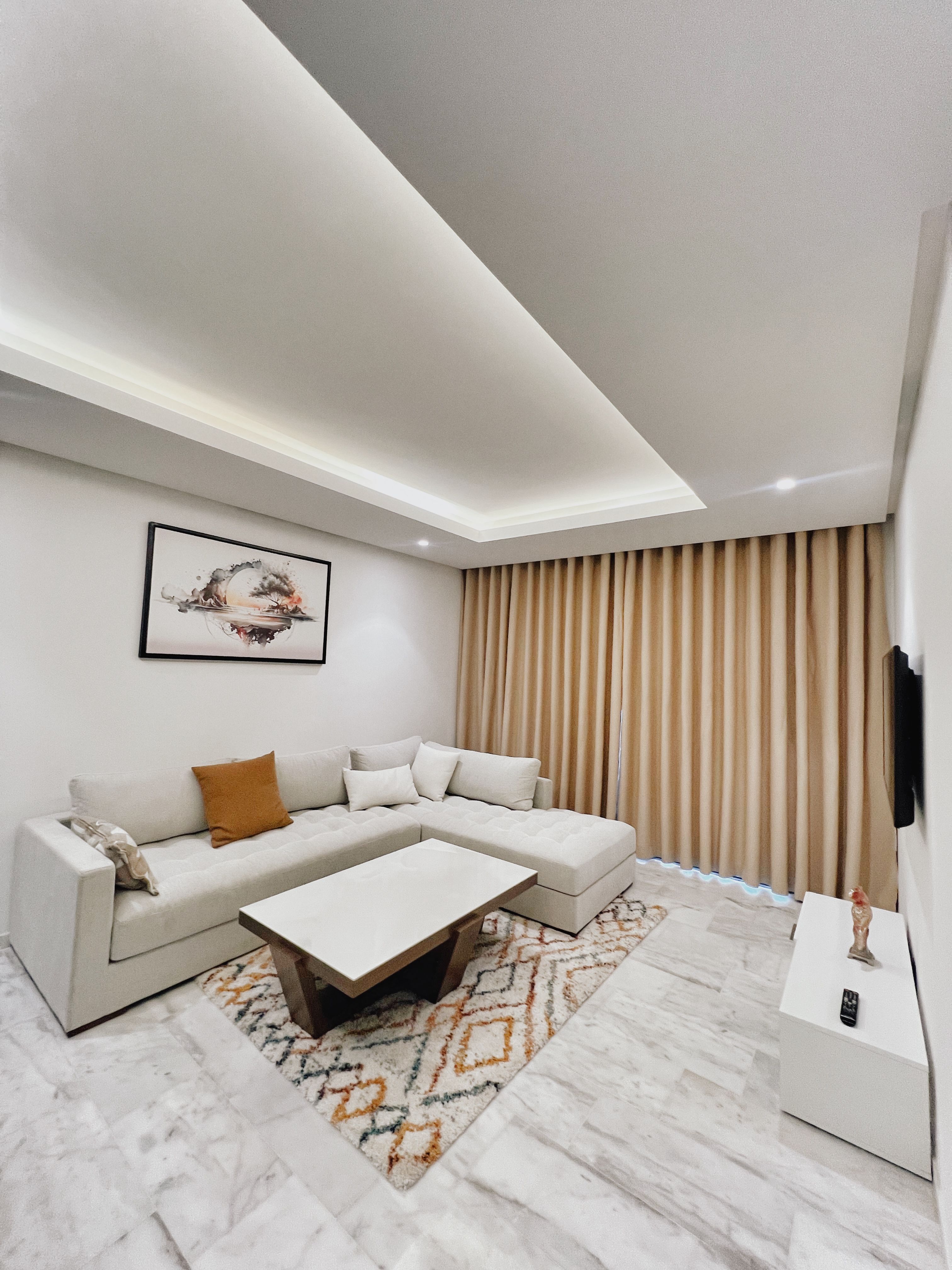
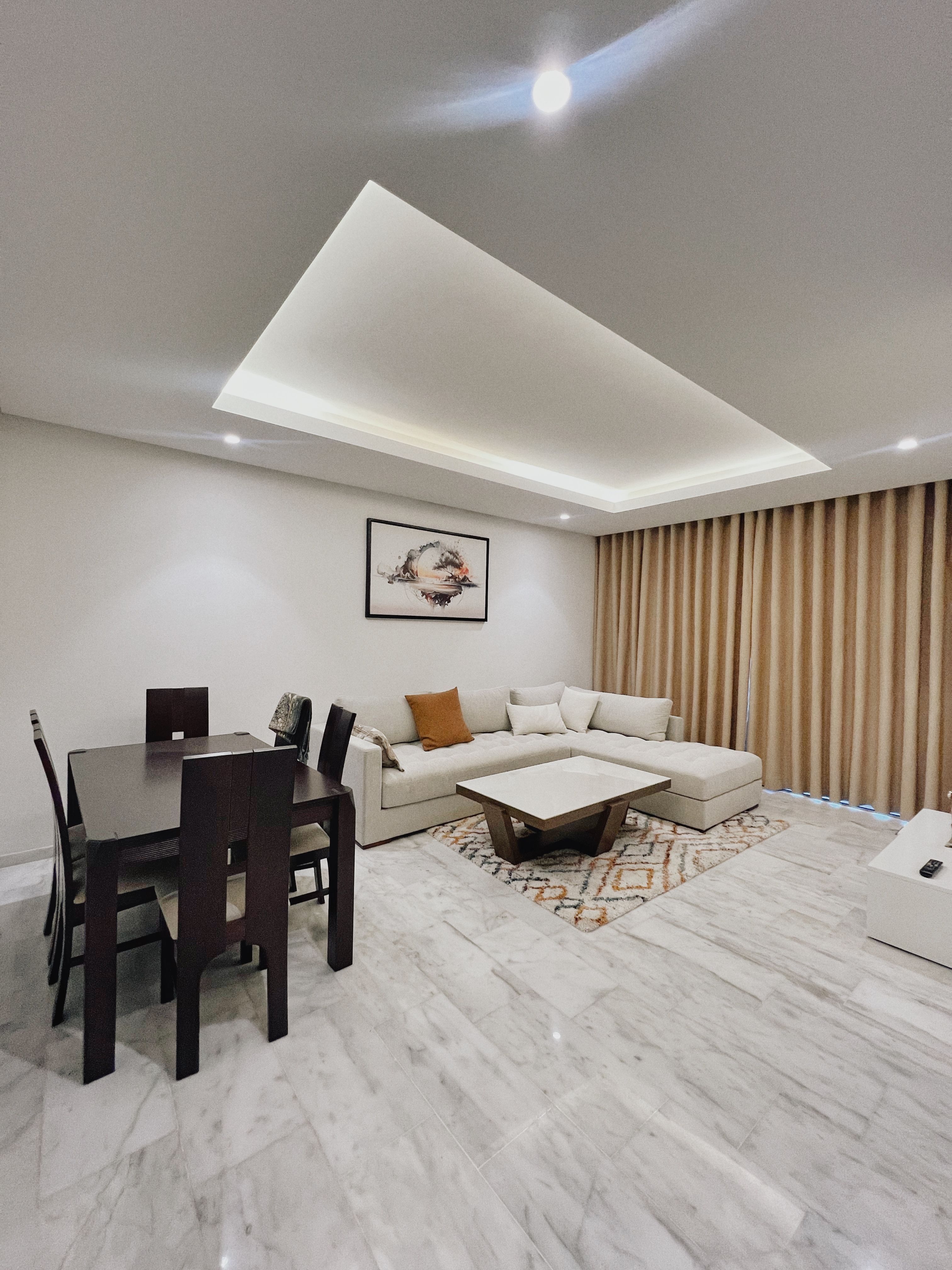
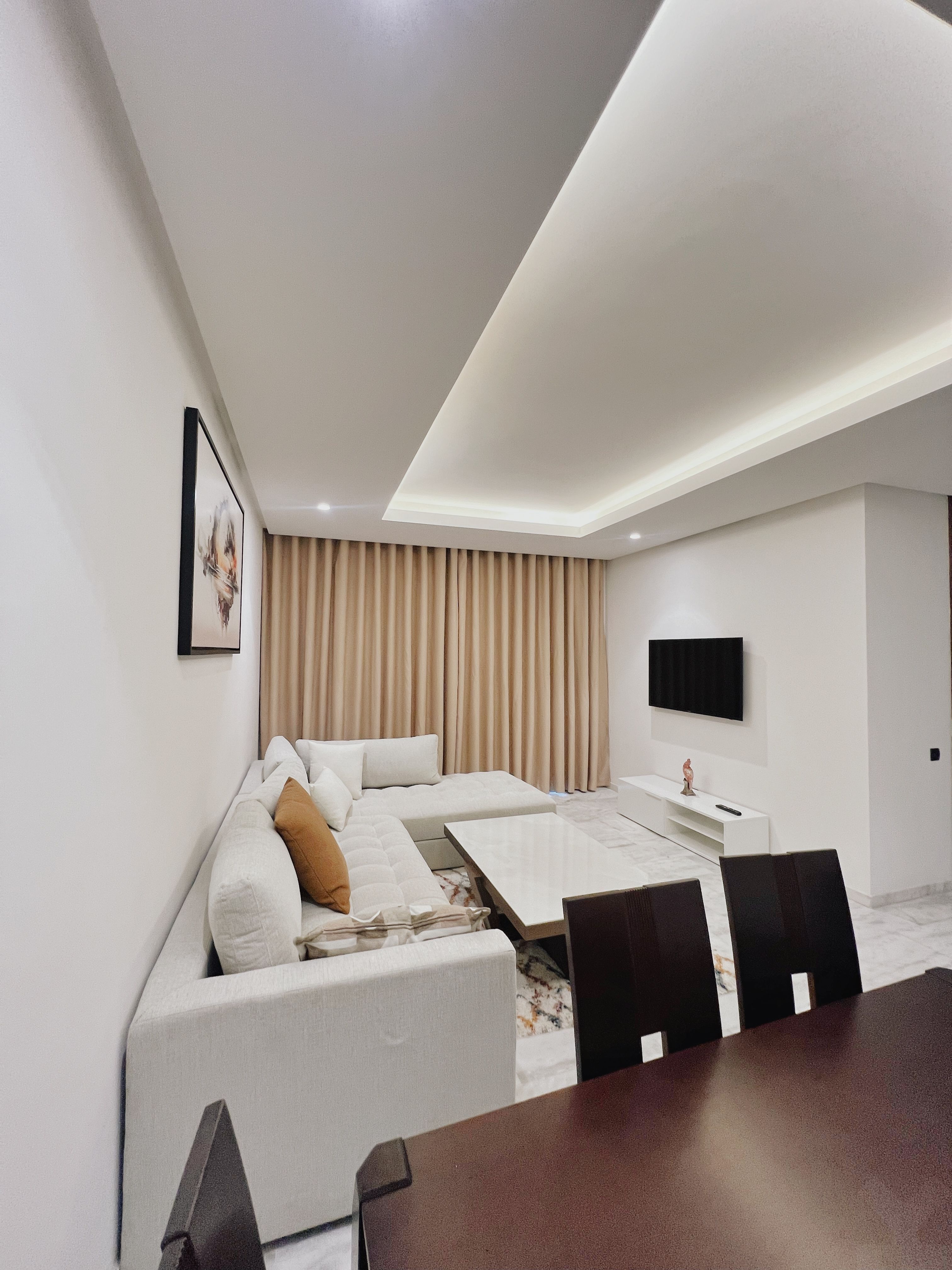
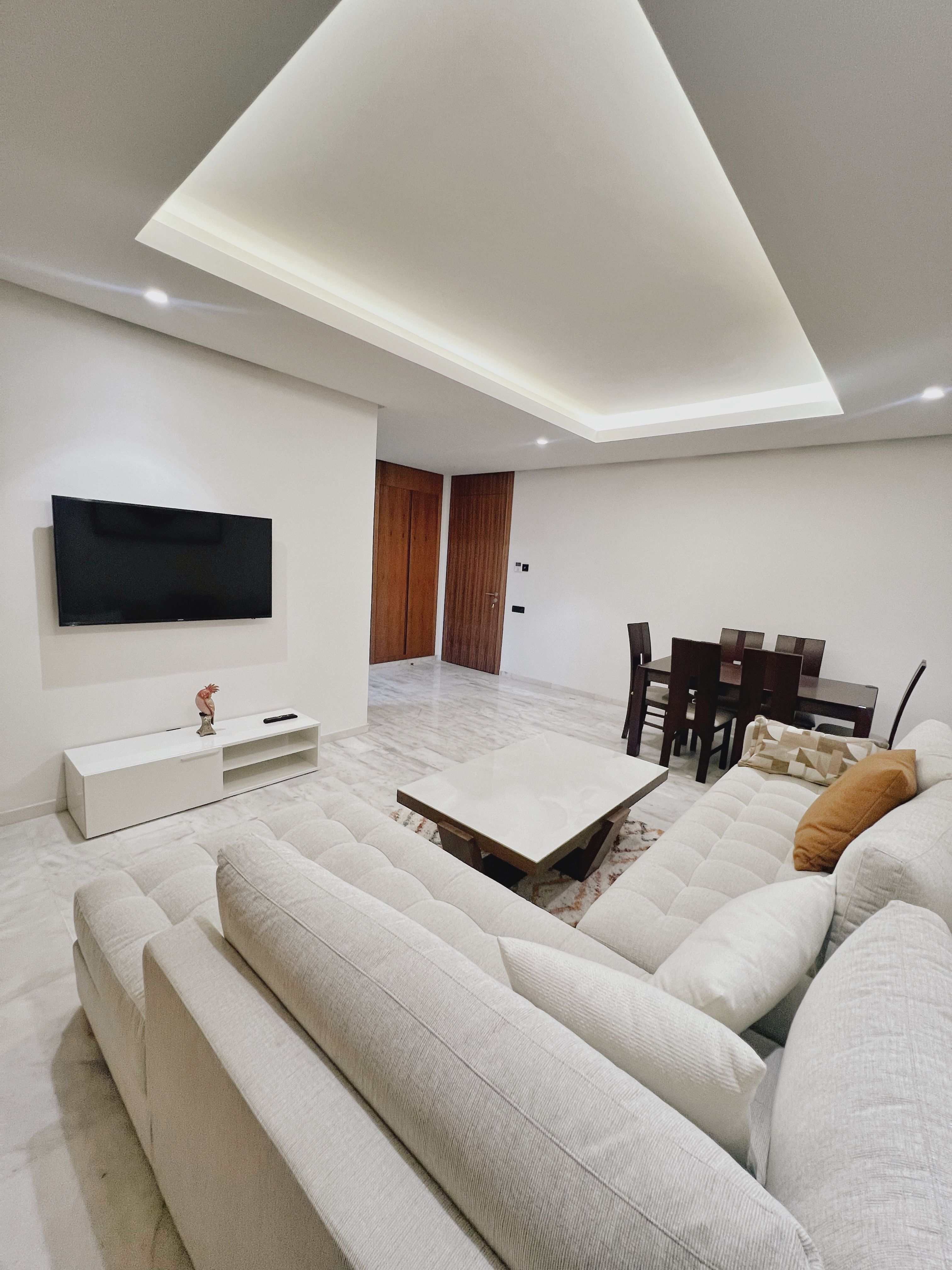
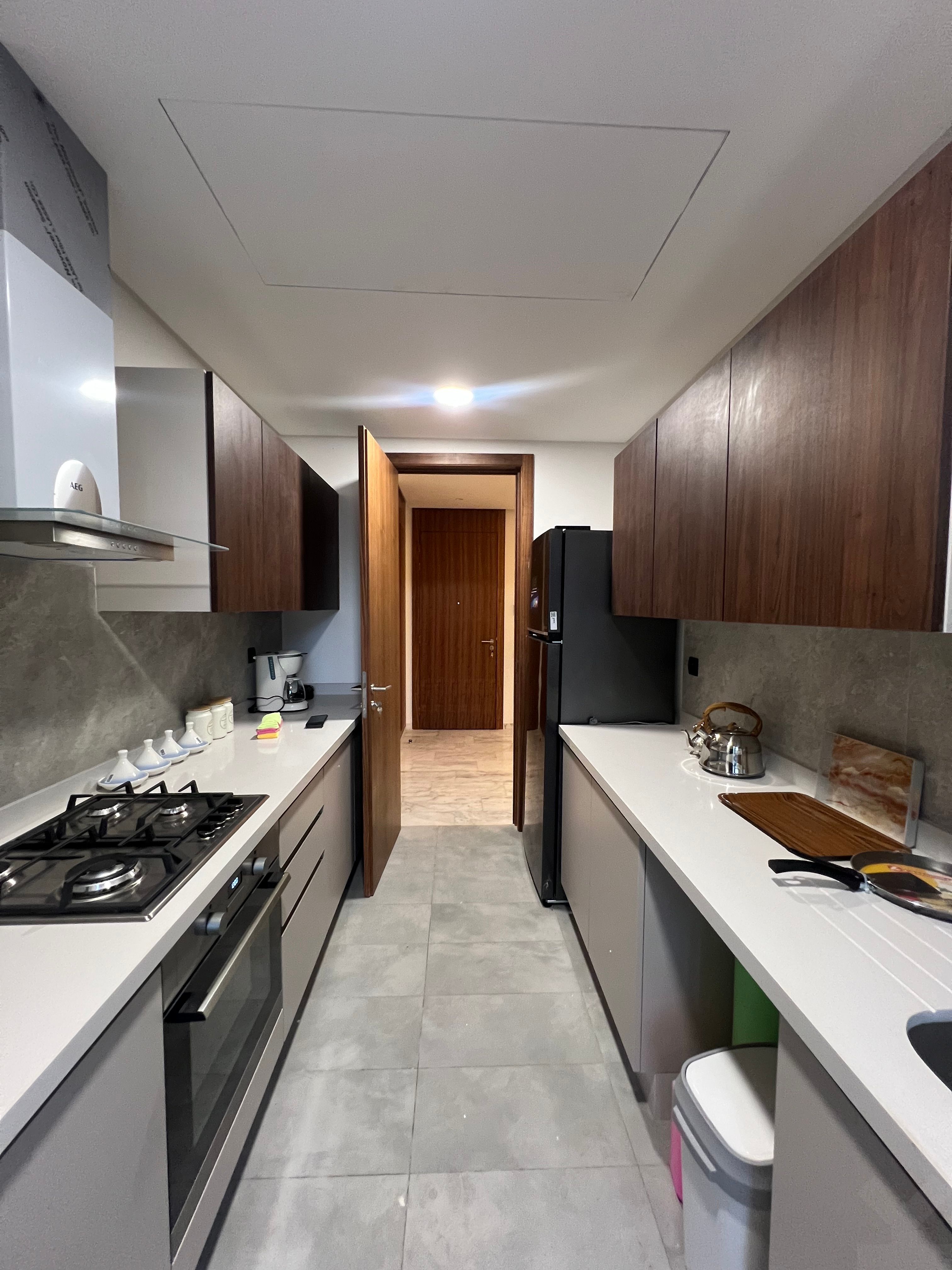
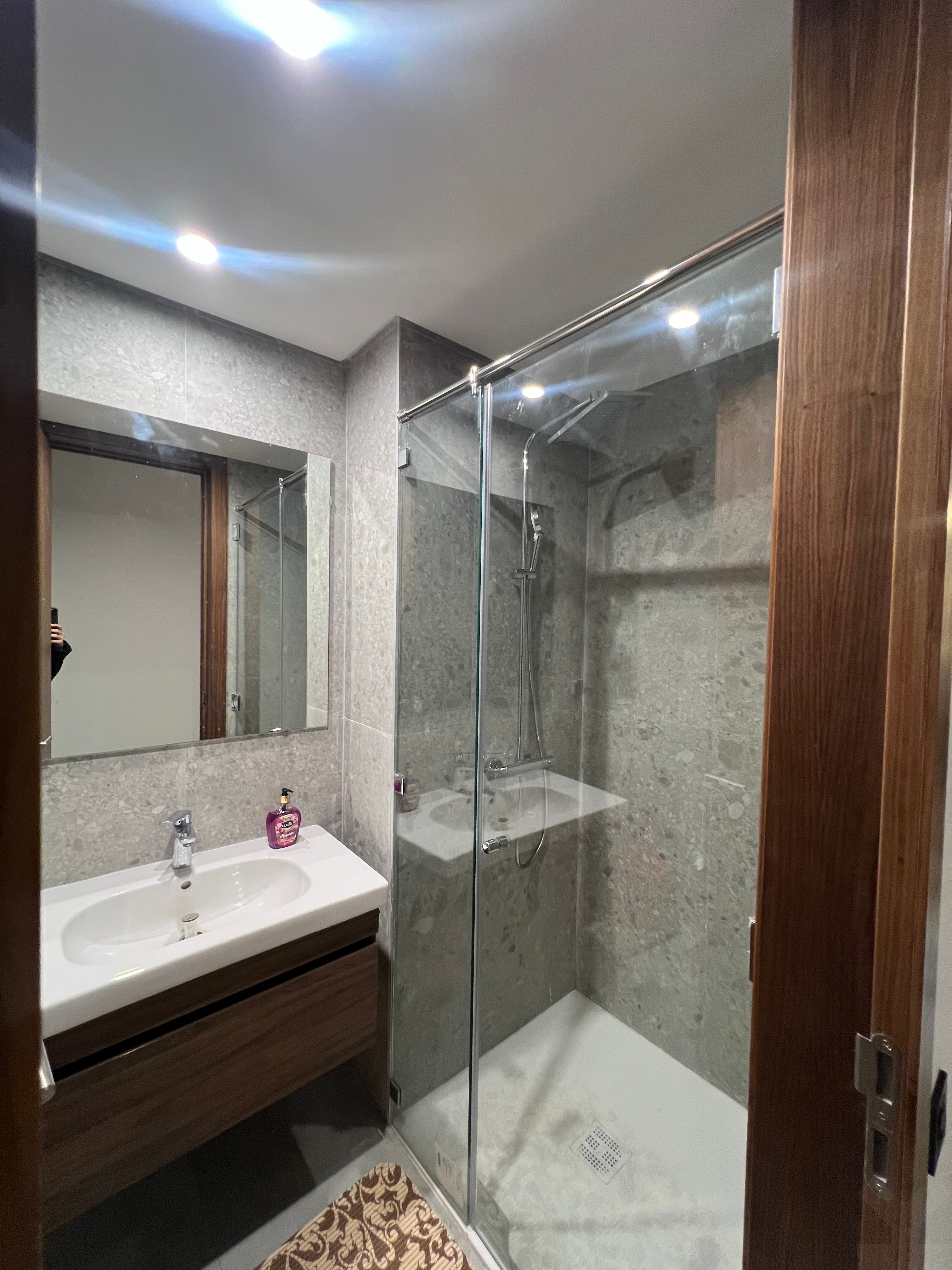
Description
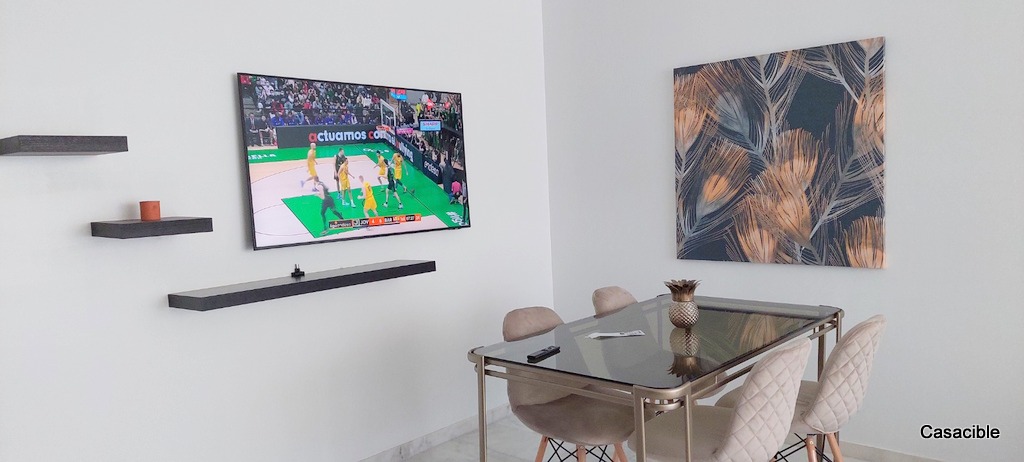
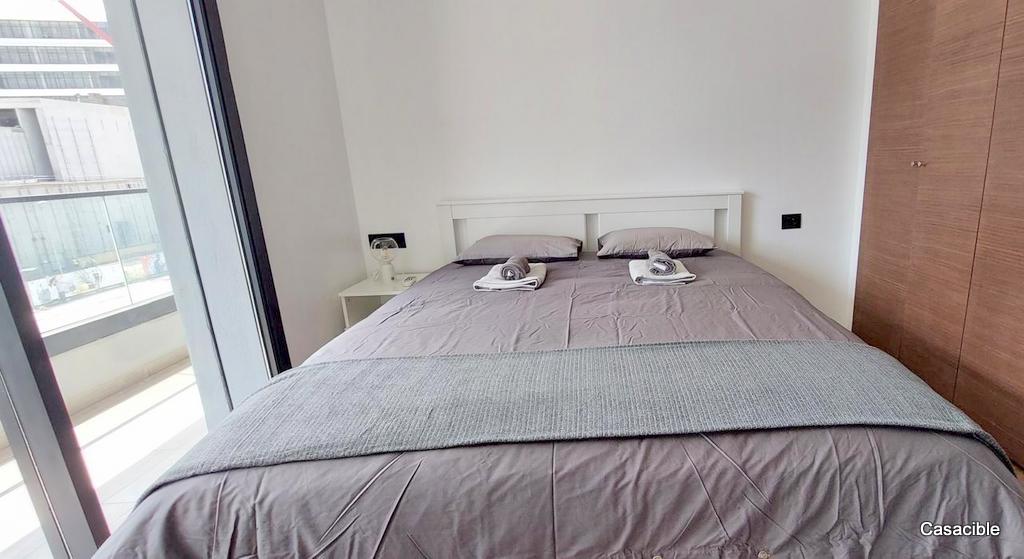
CASA FINANCE CITY, Bel appartement lumineux de 140 m2 situé au 3ème étage un appt par étage d’une résidence nichée en plein cœur du quartier CFC avec des grands jardins et espaces de jeux pour enfants. L’appartement offre une vue dégagée du côté du nouveau consulat des états Unis, à 5 min à pied d’Anfa Park et à 2 min à pied d’Aeria Mall. Il se compose d’un double salon, d’une suite parentale avec dressing, de 2 chambres d’enfants, une chambre de service, une loggia, 2 salles de bain et une salle d’eau pour la réception. 2 places de parking sont également disponibles. document.addEventListener(`DOMContentLoaded`,function(){let e=document.getElementById(`voir-plus`),t=document.querySelector(`.label`);e.addEventListener(`change`,function(){e.checked||t.scrollIntoView({behavior:`smooth`})})}); proposée par : Cantarel Immobilier Agence immobilière à Casablanca Information financières --> --> Annonces Similaires Il y a 2 mois 8 300 DH / mois 3 Ch 1 sdb 108 m² Appartement à louer Casablanca -Hay Hassani Annonce par : Cantarel Immobilier Il y a 2 mois 18 000 DH / mois 3 Ch 2 sdb 140 m² Appartement à louer Casablanca -Hay Hassani Annonce par : Cantarel Immobilier Il y a 4 mois 16 000 DH / mois 3 Ch 2 sdb 150 m² Appartement à louer Casablanca -Hay Hassani Annonce par : Cantarel Immobilier Il y a 4 mois 12 000 DH / mois 3 Ch 2 sdb 167 m² Appartement à louer Casablanca -Hay Hassani Annonce par : Cantarel Immobilier (function(){const id = ""; const similarLen = 4; document.addEventListener("DOMContentLoaded", function () { const carousel = document.getElementById(`Cards-Container${id}`); const arrows = document.getElementById(`arrowsId${id}`); const indicators = document.getElementById(`indicators${id}`); // const prevStroke = document.getElementById(`prev-stroke${id}`); const nextButtons = document.querySelectorAll(`.next-btn${id}`); const prevButtons = document.querySelectorAll(`.prev-btn${id}`); if (!carousel) return; /* Card #4103 — measure the real card "step" (card width + gap) * by reading the two first children's offsetLeft. Falls back to * the first child's offsetWidth if there's only one card. This is * what makes the arrow navigation actually land on card edges * instead of being off by the gap. */ let currentIndex = 0; const firstCard = carousel.firstElementChild; const cardWidth = firstCard instanceof HTMLElement ? firstCard.offsetWidth || 320 : 320; const measureStep = () => { const first = carousel.children[0]; const second = carousel.children[1]; if (!first || !(first instanceof HTMLElement)) return cardWidth; if (second && second instanceof HTMLElement) { const delta = second.offsetLeft - first.offsetLeft; if (delta > 0) return delta; } return first.offsetWidth || cardWidth; }; let step = measureStep(); /* maxScroll is the true end of the scroll container. The card- * counted maxIndex is derived from it so the last "next" click * lands at scrollLeft = maxScroll and the final card sits fully * inside the viewport, no partial visibility. */ const getMaxScroll = () => Math.max(0, carousel.scrollWidth - carousel.clientWidth); let maxScroll = getMaxScroll(); let maxIndex = step > 0 ? Math.ceil(maxScroll / step) : 0; const maxDots = 5; const isRTL = getComputedStyle(carousel).direction === "rtl"; const recompute = () => { step = measureStep(); maxScroll = getMaxScroll(); maxIndex = step > 0 ? Math.ceil(maxScroll / step) : 0; }; const updateArrowsVisibility = () => { if (!arrows || !carousel) return; arrows.style.visibility = maxScroll > 0 ? "visible" : "hidden"; }; /* Dots window over the VALID scroll positions [0, maxIndex], * not over similarLen. Showing more dots than reachable positions * was the source of the "active dot stuck on an earlier position" * bug for cards = N where N - visibleCards maxDots and there's more content beyond an edge, * the dots closest to that edge shrink (1.0 → 0.7 → 0.5) so the * user gets a visual "there's more in this direction" cue without * the dot strip itself growing. */ const updateIndicators = () => { if (!indicators) return; const dots = indicators.querySelectorAll(".dot-indicator"); const pageCount = maxIndex + 1; // number of valid scroll positions let startDot = 0; if (pageCount > maxDots) { const half = Math.floor(maxDots / 2); if (currentIndex = pageCount - half - 1) { startDot = pageCount - maxDots; } else { startDot = currentIndex - half; } } const endDot = startDot + maxDots - 1; const overflowsAtStart = pageCount > maxDots && startDot > 0; const overflowsAtEnd = pageCount > maxDots && endDot { const actualIndex = startDot + dotPosition; const isVisible = actualIndex { if (!carousel) return; recompute(); currentIndex = Math.max(0, Math.min(
Localisation
Position approximative